
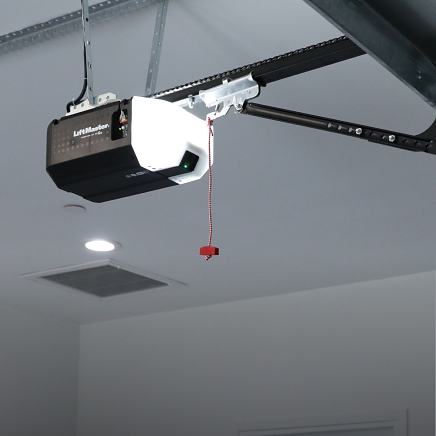
A smart garage door opener relies on stable Wi-Fi to deliver remote access, smart alerts, and real-time control through your mobile app. When it fails to connect, the issue may involve network settings, signal strength, app authentication, or even underlying garage door opener repair needs.
Connectivity problems can prevent you from checking the status of your garage door or using smart home features tied to your security systems. Understanding why a smart garage door opener disconnects is the first step toward choosing the proper course of action and restoring full control of your garage.
Why Is My Smart Garage Door Opener Not Responding in the App Over Wi-Fi?
A smart garage door opener can show a Wi-Fi connection but still fail to respond in the app when network signaling, account authentication, or cloud communication breaks, blocking reliable two-way commands.
Common causes that explain why app control fails even when Wi-Fi looks active include:
- The router allows a connection but blocks the device from completing secure cloud authentication.
- The app’s account session expires, preventing the opener from accepting new electronic messages.
- Device isolation or firewall settings prevent the garage door controller from communicating with the server.
- Weak signal quality causes the smart garage door controller to connect briefly, then drop before commands complete.
- Network congestion delays remote access and causes your garage door status to show as offline or lag behind actual movement.
When these signs overlap, they often indicate a smart garage door opener Wi-Fi issue tied to signal stability or network settings, so read our guide on Smart Garage Door Opener Wi-Fi Troubleshooting: Quick Fixes to identify the most likely cause and what it means for reliable app control.
Top Reasons a Smart Garage Door Opener Will Not Connect to Wi-Fi
Weak Wi-Fi Signal in the Garage Disrupts Enrollment
A smart garage door opener may fail to enroll or stay connected when the Wi-Fi signal near the garage is too weak to support steady app control and consistent electronic messages.
Connection warning signs often include:
- The app shows the door opener as offline even while the garage door still operates by wall control.
- Pairing completes once, then drops again within minutes or hours.
- Smart alerts arrive late or fail to trigger after open-and-close cycles.
- Garage door remote access works near the router but fails near the garage opener location.
- The status of your garage door updates is inconsistent and does not match the actual movement.
Signal instability near garages is common because distance, dense surfaces, and nearby electronics can weaken wireless performance, and AT&T explains common causes of Wi-Fi interference that reduce range and reliability in homes.
2.4 GHz and 5 GHz Band Mismatch Prevents Reliable Pairing
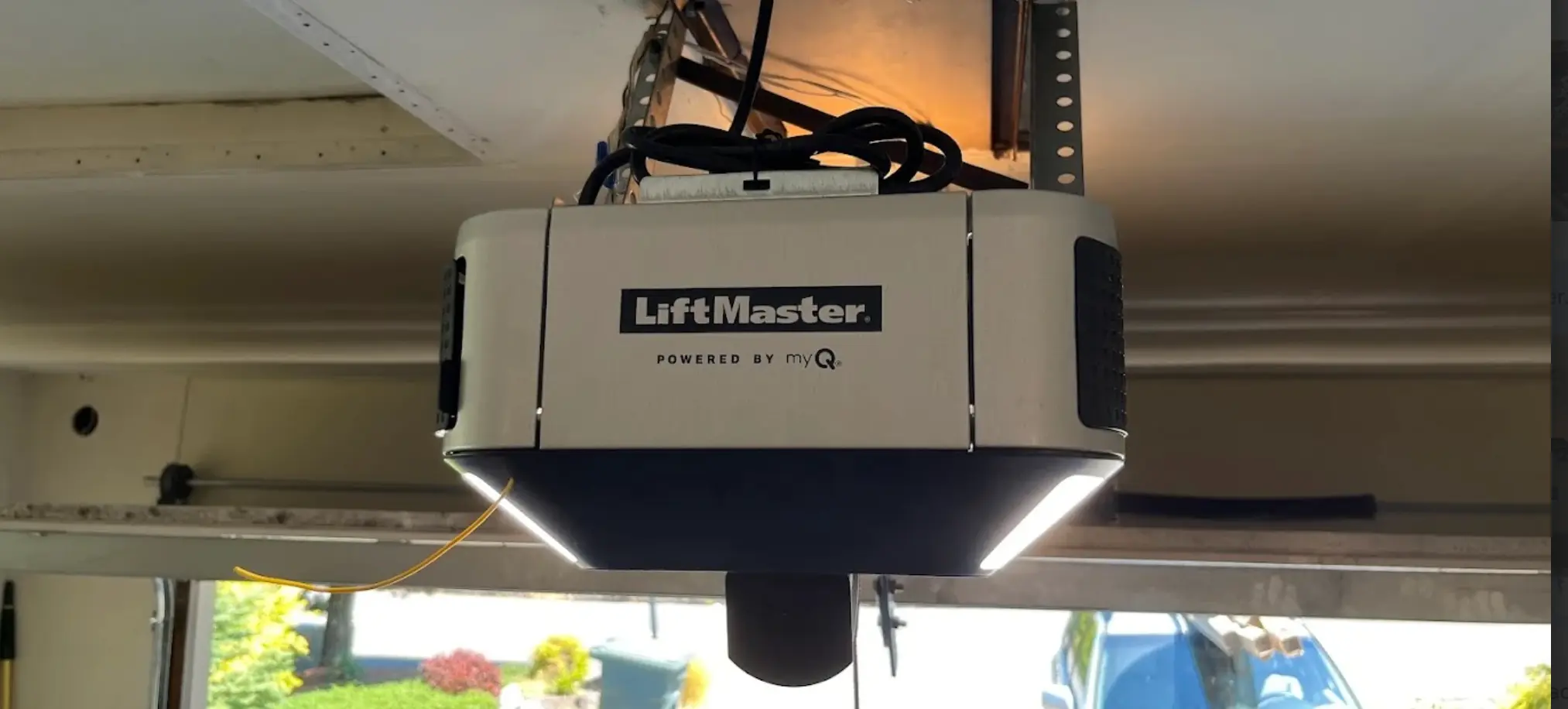
A smart garage door opener often fails Wi-Fi setup when the router pushes it to a band it cannot support, or when the router shifts bands during enrollment.
Band-related pairing failures commonly show up as:
- The opener connects briefly, then disappears from the myQ app device list.
- Setup succeeds on one attempt but fails immediately after a router reboot.
- Smart home platforms show the device as unavailable even when Wi-Fi seems active.
- The router lists the device, but app control never becomes stable.
- The garage door controller cannot complete registration because the band changes mid-process.
Band steering and mixed-network behavior can disrupt stable enrollment, and checking garage remote control compatibility can help confirm whether the opener is set up for reliable wireless access.
Router Security Settings Block Device Authentication
A smart garage door opener can be rejected by the network when router security rules prevent it from completing the cloud authentication required for remote access and app control.
Security-related blocks often appear as:
- The opener joins Wi-Fi but remains offline in the app.
- Pairing fails at the final confirmation stage, with no clear explanation.
- Device isolation prevents the garage door controller from communicating with other smart devices.
- Firewall settings interrupt outbound connections needed for cloud validation.
- The opener loses connectivity after security updates or changes to router settings.
Modern security modes and device controls can limit how smart devices connect, and Google explains how Wi-Fi security and router configuration affect device access and authentication.
Network Congestion or Interference Disrupts Smart Wi-Fi Openers
A smart garage door opener can disconnect or lag when Wi-Fi congestion slows communication between the opener, the router, and the cloud service.
Traffic and interference problems often show up as:
- App control delays make open or close commands feel unresponsive.
- Smart alerts arrive after the garage door has already completed its travel.
- Frequent disconnect cycles at peak usage times in the home.
- Dropouts occur when security systems, streaming devices, or smart home platforms are active.
- The status of your garage door is showing outdated information inside the app.
Heavy network traffic can reduce reliability for smart Wi-Fi openers, so improving network stability is often more effective than replacing hardware too early.
App Permissions or Account Login Errors Break Registration
A smart garage door opener can fail to register when the app cannot complete permissions, account validation, or device ownership checks needed to enable full app control.
Account and permission issues commonly include:
- Login sessions are expiring and preventing new electronic messages from syncing.
- Mobile settings restricting background updates are needed for real-time status.
- App permissions block discovery during Wi-Fi setup or device registration.
- Multiple accounts are causing confusion about who controls your garage access.
- Cloud registration is failing even when the router shows the device connected.
App-side failures can mirror network problems, and Chamberlain Group explains common “offline” and “device not responding” behaviors in the myQ app, helping map symptoms to the right cause more accurately.
Firmware Conflicts Prevent Stable Connectivity
A smart garage door opener may connect once and then fail later when firmware conflicts interrupt the handshake between the opener, router, and smart home service.
Firmware-related instability often shows up as:
- The opener goes offline after app updates or router firmware updates.
- Smart home integrations such as Google Home or Apple HomeKit are losing the connection.
- Repeated prompts to reconnect even after a successful setup.
- Random failures that follow the same timing pattern after restarts.
- The garage opener shows online briefly, then drops without a clear trigger.
Software mismatches can weaken long-term reliability, so confirming firmware alignment helps determine whether service can stabilize the connection or whether smart garage door opener replacement is the better long-term path for consistent app response.
Wi-Fi Module or Control Board Fault Stops Persistent Connection
A smart garage door opener can permanently lose Wi-Fi connectivity if internal electronics fail to store credentials, maintain communication, or process app commands reliably.
Hardware-related red flags often include:
- Wi-Fi setup is failing across multiple networks that are otherwise stable.
- Stored credentials disappear after a power outage or restart.
- Battery backup operation triggering unstable reconnect behavior.
- The garage door works with the wall button, while app control fails repeatedly.
- Persistent offline status even when the router shows a connection attempt.
Hardware failures often repeat in predictable ways, so a professional installer can confirm whether service is realistic or whether garage door replacement is the safer option when system reliability keeps breaking down.
Router and Network Settings That Commonly Block Connectivity
A smart garage door opener can fail to connect or stay online when router security, network design, or address rules interrupt the steady communication needed for app control and remote access.
Network settings and conditions that commonly block connectivity include:
- Security and filtering rules, such as WPA3-only mode, firewalls, or content controls that block cloud authentication.
- Network isolation, such as a guest network or device isolation, prevents normal device communication.
- Mesh steering and signal quality issues cause repeated disconnects near the garage.
- Addressing problems such as IP conflicts, DHCP lease changes, or DNS errors that break consistent access.
- Heavy network traffic from streaming, smart home platforms, or security systems delays commands and status updates.
Network-side restrictions can cause repeat connectivity failures even when the garage door system operates normally, so checking network conditions first is often the proper course of action before assuming hardware trouble.
What Wi-Fi Lights and App Status Messages Usually Mean
A smart garage door opener can show Wi-Fi activity but still fail in the app, so matching the light behavior and status message helps narrow whether the issue is signal, router access, account validation, or hardware communication.
Wi-Fi Light or App Message | What It Usually Means | What It Points To Most Often |
Wi-Fi light blinking slowly | Attempting to join Wi-Fi but not completing setup | Wrong band, weak signal, router security blocking connection |
Wi-Fi light solid | Connected to Wi-Fi at the network level | App, cloud, or account validation may be failing |
App shows Offline | The device is not reaching the cloud reliably | Firewall or DNS issues, weak signal, expired authentication |
App shows Not Responding | Commands are not completing | Network congestion, cloud delay, module instability |
App shows Device Not Found | The app cannot discover or confirm the device | Device isolation, guest network limits, and incomplete setup |
Wall control works, app fails | The door operates locally but not through Wi-Fi | Router settings, cloud authentication, or account issues |
Matching the light pattern to the app message makes the cause easier to narrow and helps guide the proper course of action.
Smart Garage Door Opener Repair vs Replacement for Ongoing Wi-Fi Failure
A smart garage door opener with ongoing Wi-Fi failure is usually a repair case when the connection path can be stabilized, and a replacement case when the opener hardware or compatibility limits prevent reliable long-term app control.
What You’re Seeing | Repair Is More Likely When | Replacement Is More Likely When |
Connection pattern | Failures are tied to router changes, timing, or signal conditions | Failures repeat the same way across different networks |
App control | Door works locally, but app status and commands fail | The device cannot stay registered or remains offline consistently |
Credential behavior | Wi-Fi credentials sometimes save and sometimes drop | Credentials will not save or disappear after every restart |
Model compatibility | Opener supports modern network settings | Older models struggle with the current router security or bands |
Long-term reliability | Service can stabilize connectivity without repeated issues | Ongoing instability makes replacement the dependable route |
A brief evaluation of failure patterns and opener compatibility helps determine whether repair can restore stable remote access or whether replacement is the proper course of action.
Smart Garage Door Opener Wi-Fi Setup in Kirkland, WA
Smart garage door opener Wi-Fi setup in Kirkland, WA often requires a full connectivity review because garage signal conditions and router security settings can block stable app control even when the network appears fine.
Professional setup checks that matter most include:
- Signal quality at the opener to confirm the connection stays stable, where the unit actually runs.
- 2.4 GHz and security compatibility so the opener can authenticate and remain registered.
- Cloud and app registration status to confirm remote access works, and the device responds in the app.
- Smart home integration testing for Google Home, Google Assistant, Apple HomeKit, and other smart home platforms.
- Reconnect behavior after power events so the status of your garage door remains accurate after a power outage or when the battery backup switch is engaged.
Local conditions can change how reliably a system connects, so our blog on Smart Garage Door Opener Wi-Fi Setup in Kirkland, WA, explains what setup verification is designed to confirm for consistent daily operation.
Resetting Wi-Fi Credentials When the Opener Will Not Reconnect
A smart garage door opener may need Wi-Fi credentials cleared when stored network details or device registration data no longer match the router, and the opener cannot complete a stable reconnection for app control.
Common reset triggers that still point to a clear cause include:
- A new router or mesh system changed how the network assigns addresses to smart devices.
- The network name or password change,d and the opener keeps attempting the old credentials.
- The router’s security settings have been updated, but the opener still cannot complete cloud authentication.
- A power outage or surge caused the opener to lose saved Wi-Fi information.
- The app shows offline or not responding, while the garage door still runs from the wall control.
Credential resets only solve the problem when the disconnect is tied to stored network or registration data, and our guide on How to Reset Smart Garage Door Opener Wi-Fi Settings outlines what a reset affects and what outcomes confirm the proper course of action.
Smart Garage Door Opener Wi-Fi Connection Help in Kirkland, WA
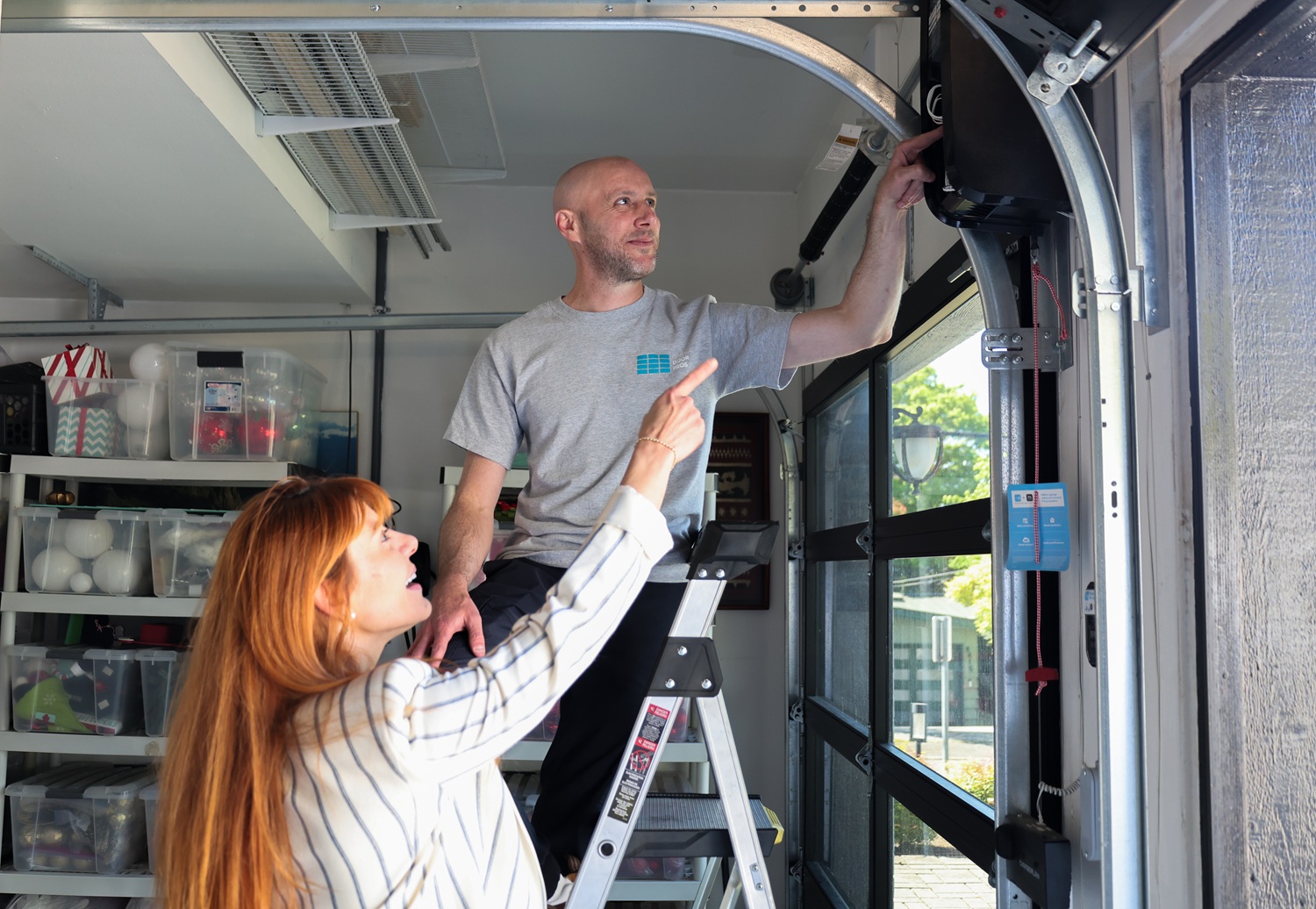
Smart connectivity issues can disrupt app control, delay smart alerts, and make your garage door’s status feel unreliable in daily use. When a smart garage door opener will not connect to Wi-Fi, keeps disconnecting, or shows as offline, a professional evaluation helps confirm the true cause and restore dependable remote access.
Garage Door Pros supports homeowners in Kirkland, WA, with smart garage door opener troubleshooting, repair, and Wi-Fi stability checks, making it the best garage door company for dependable app control. When enrollment won’t hold, or the app response remains inconsistent, contact us or give us a call today to schedule garage door service and restore a Wi-Fi-connected smart garage door opener that works consistently.


